

Photo books, made simple
Pour in
Pour in
your moments.Leave the rest
to us.
Beautiful photo books,
made for you in minutes.
Beautiful photo books,
made for you in minutes.
Simple. Quick. Quality.
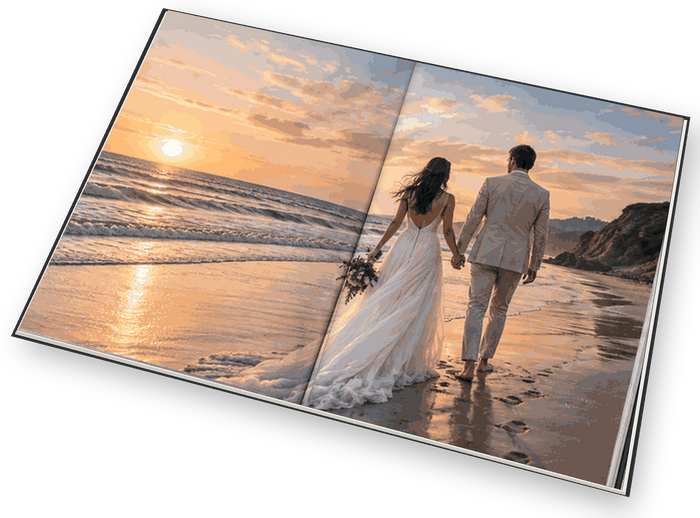
We will design a beautiful volume of memories for you or a gift. Then we'll print it on premium paper with three cover options — soft, hard-bound and layflat — and ship it straight to you, or whoever it's for.
Small books from $19.99 · Softcover from $26.99 · Hardcover from $32.99 · Layflat from $63.99 · Free shipping
Our guarantee: if your book arrives damaged or misprinted, we reprint it free.

Select a style and we’ll design your pages. (Can be changed later.)
Simple, classic, clean and minimal page layouts. Add titles and text to any page you like.
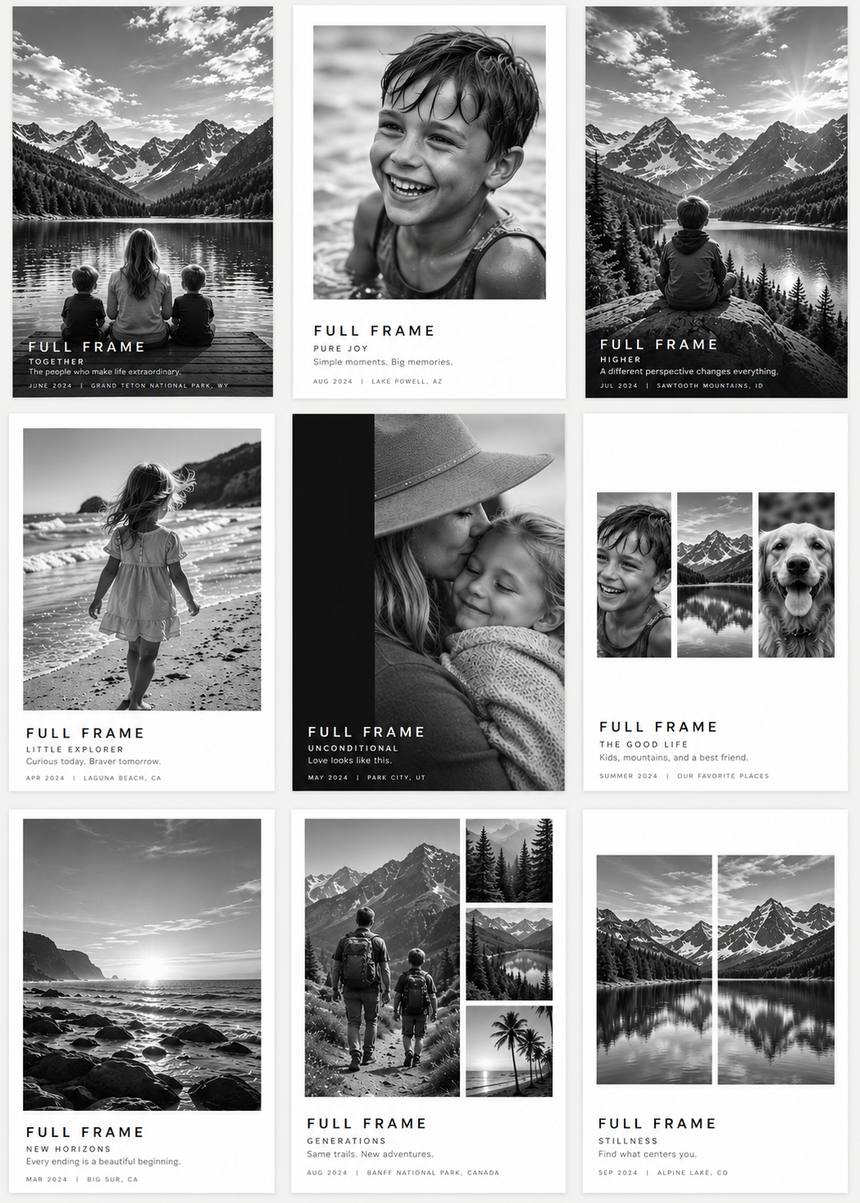
Choose one of our designed covers and add your title, or put a favorite photo on the front. Change the title font, size and position as you like.
Custom covers are available in the Clean & Minimal, Edition and Basic styles.

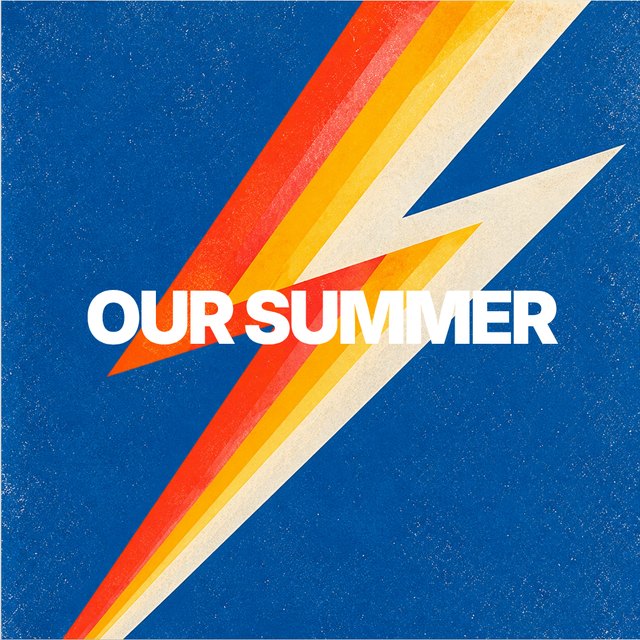
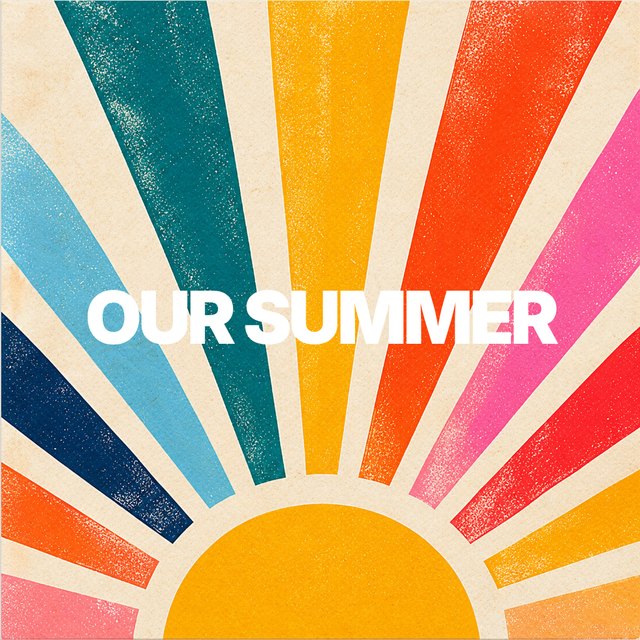

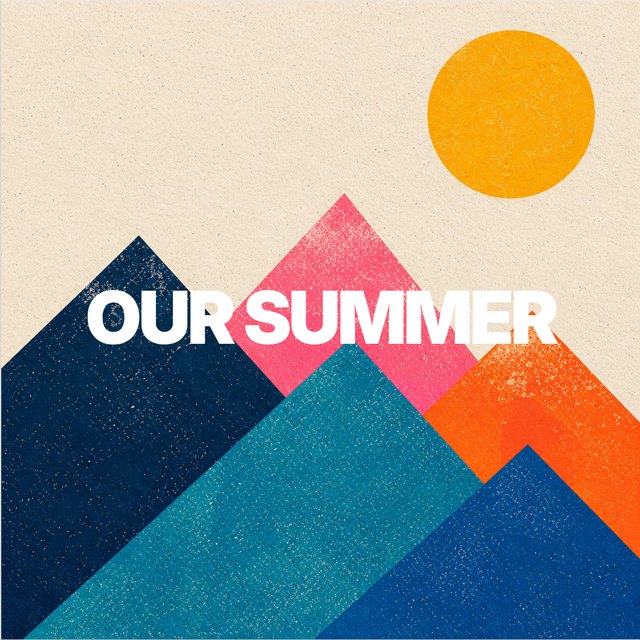
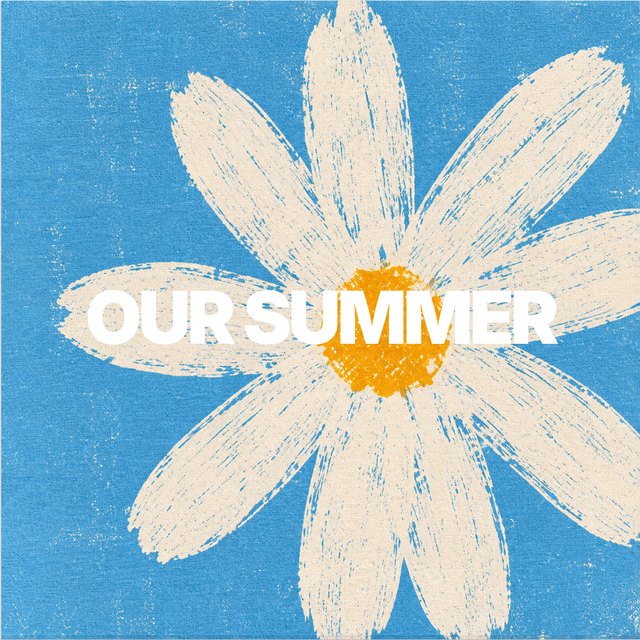
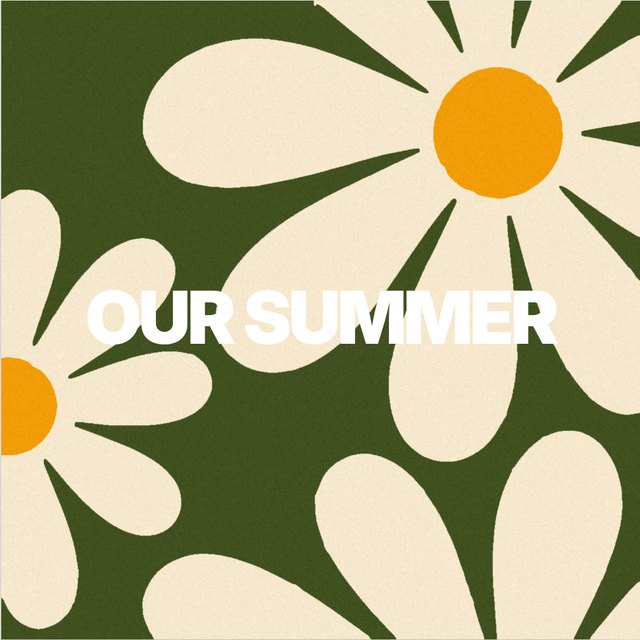
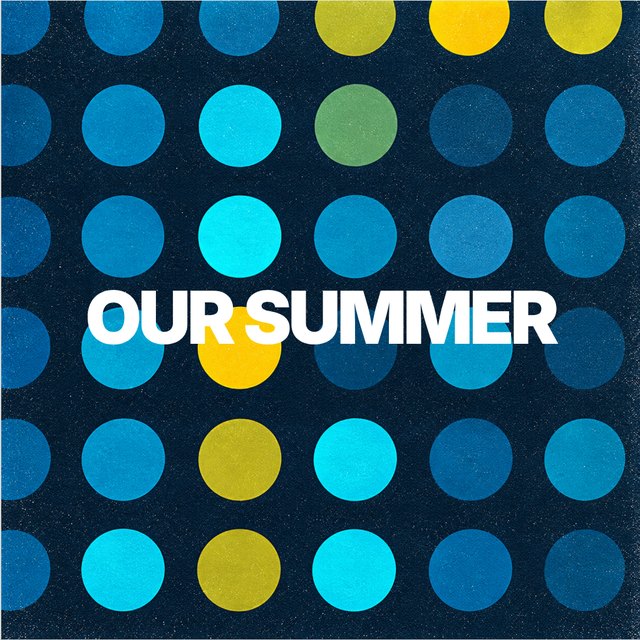
Custom designed pages, just waiting for your photos and text. Easy. Fast. Stunning.
Magazine covers, cut-outs, giant words, posters and color washes, built around one of your photos. Change the words, the color and the photo size in seconds.


Big, bold title pages to open a chapter, mark a trip or end the book — set in type, no photo needed. Just type your words.


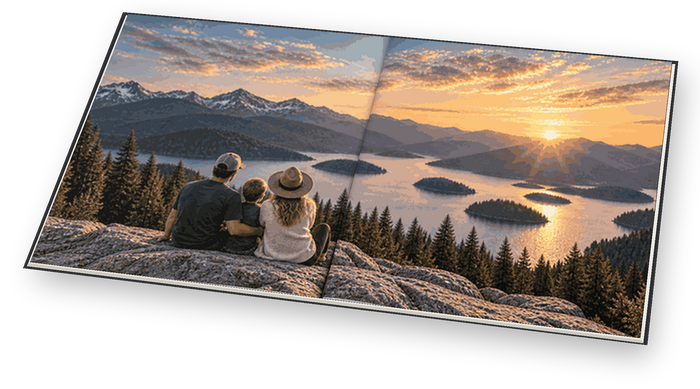
5.5 × 5.5 in · Basic style only
5.8 × 8.3 in · Basic style only
8.3 × 5.8 in · Basic style only

8.3 × 8.3 in
11.7 × 11.7 in
Every page is laid out for you — sorted, cropped, balanced and styled.
Upload photos.
Press go.
We build your album.
Quick. Easy. Painless.
No placing each and every photo into a blank page template. Click “Make my album”… and we do that. The design is ours, customized as you desire; the memories are yours.
Choose your book size and cover binding: soft, hard or layflat.
Drop in a folder or your phone's camera roll. We read the dates and places, then compile and organize your photos.
Pick the themed style that suits your album. You can change it later.
Images are checked. Every page is laid out. Add any desired text. Approve and process. It prints and ships to you, or to the address of your choice if it’s a gift.
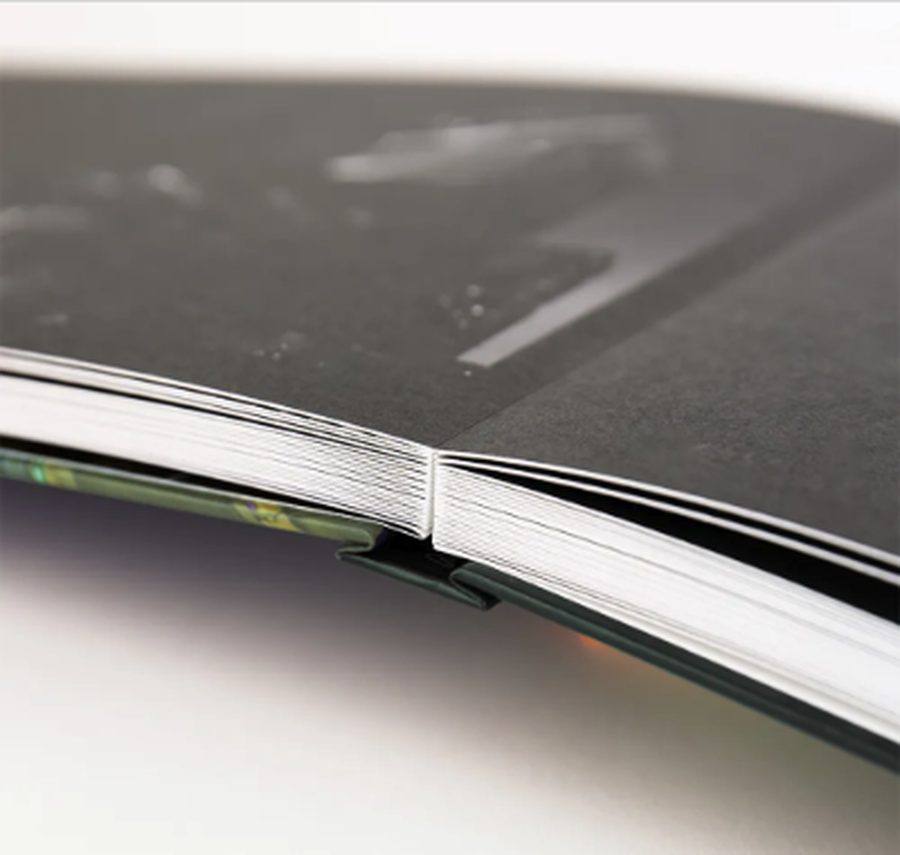
Matte-laminate hardcovers, PUR binding that opens without cracking, and premium paper that makes every photograph shine.


No. Titles and descriptions are optional. Leave them empty and the pages print clean.
30–40 photos is preferred for a short book. The book grows with your photos, up to 104 pages layflat or 200 softcover and hardcover.
Usually, yes. We check every photo against the page size and place small ones in smaller windows so nothing prints soft.
Start right from your phone — your photos are already there. For fine-tuning pages, a computer or tablet gives you a bigger view and a few extra options.
Yes. Click any page to swap the layout, move or replace a photo, edit the words, or delete the page.
At professional labs in the US, on HP Indigo presses, then shipped straight to the address you give us.
We reprint it free. Tell us within 30 days of delivery, with your order reference and a photo — write to us here.
Books go to press within a day of approval and typically arrive in one to two weeks.
Skip photos saved from texts, WhatsApp, Facebook or screenshots — they’re low resolution.
Start with the Help section in the album maker — most answers are there.
If something is wrong with a book you received, send us a note below and we’ll make it right.
In the photo book maker, press ? Help at the top of the page. Helpful topics are listed there — each one guides you to your answer and shows you what to do on the page.
Open the app
Fifteen minutes from a camera roll to your ready-to-print photo book.
Make a book


